Drag to change speed.
Big dials for speed and incline, with haptics. Let go and the treadmill follows.
iPhone app, coming soon
StrideTap runs your walking treadmill from your iPhone and saves the steps it counts to Apple Health.
At a walking desk your arms barely swing, so your Apple Watch misses steps. Apple Health counts one source at a time, so that lower number can hide your treadmill's. StrideTap saves the treadmill's own count and checks that Health is using it.
Fifteen seconds, made from screen recordings of the app and data captured from a real treadmill.
One tap to start. Nothing to babysit. Everything in Apple Health.
Big dials for speed and incline, with haptics. Let go and the treadmill follows.
The step count your treadmill keeps goes to Apple Health, with distance, time and calories.
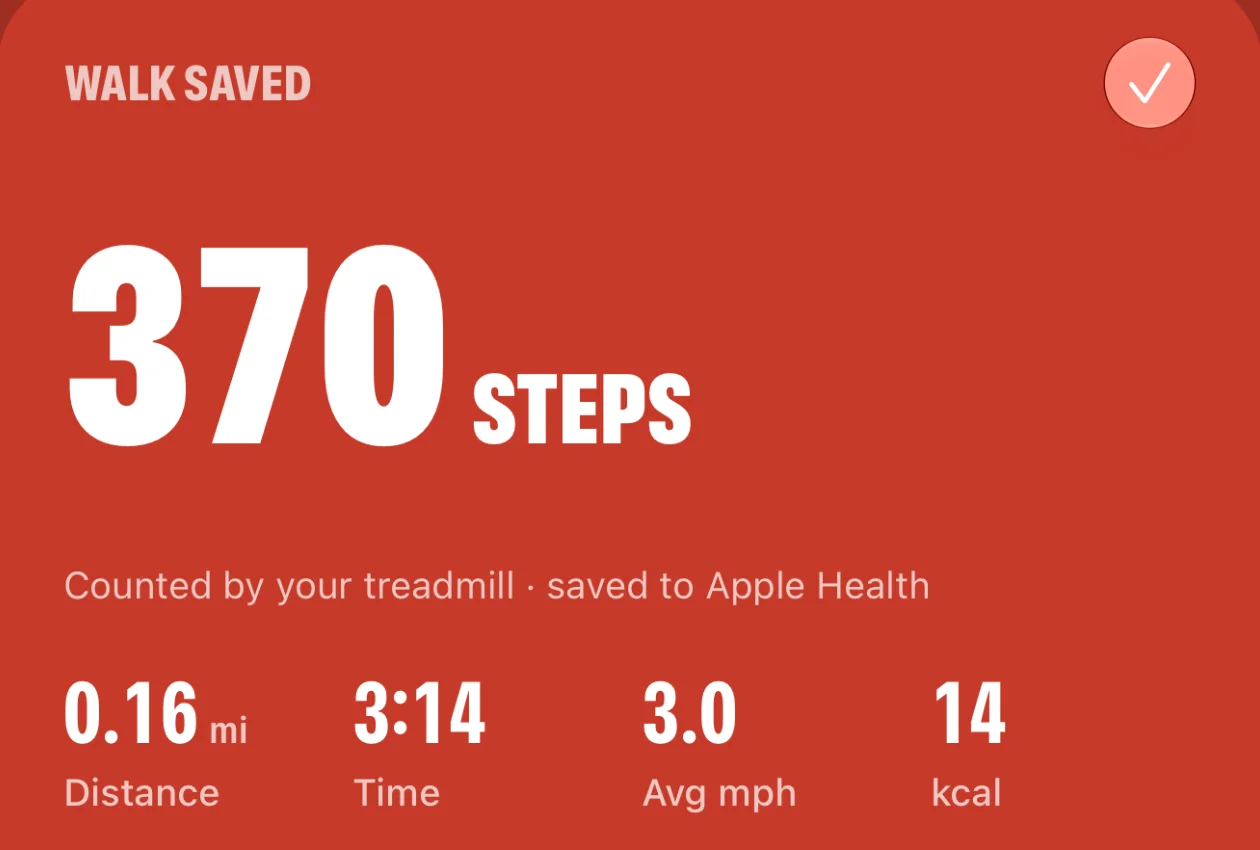
Start your usual walk without opening the app, then stop and save it the same way.
A Live Activity shows steps, time and pace, with big pause and stop buttons. It's in the Dynamic Island too.
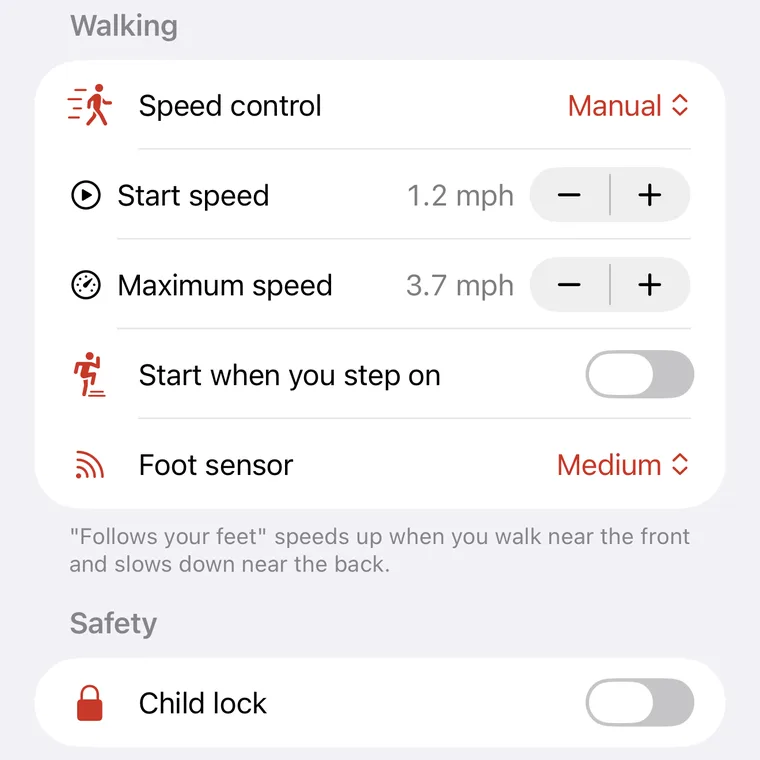
Start speed, top speed, start when you step on, child lock. StrideTap shows only what your treadmill supports.
KingSmith WalkingPad/UREVO/DeerRun/PitPat/Egofit/FitShow/LifeSpan
See every supported modelNo account, no ads, no tracking. Your walks stay on your iPhone and in Apple Health.
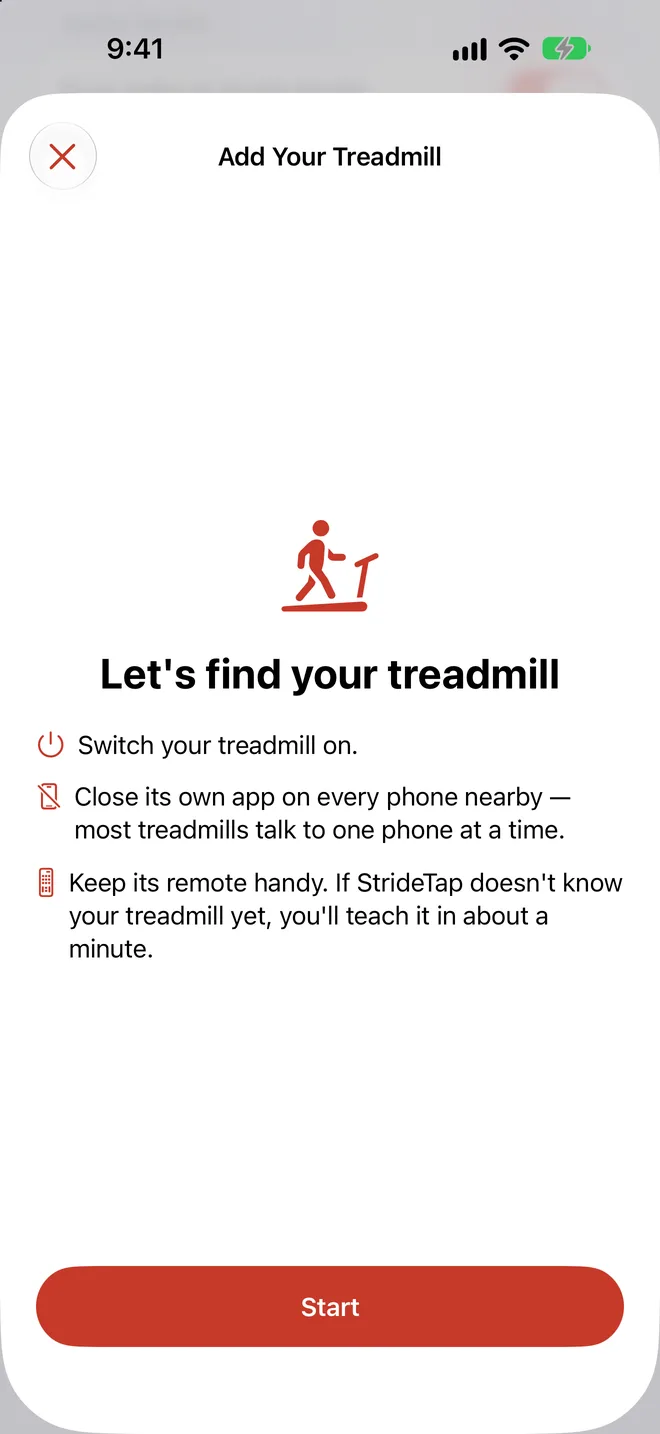
If your treadmill sends data over Bluetooth, StrideTap can learn where it keeps its step count. It takes about a minute.
Choose it from the Bluetooth devices StrideTap finds nearby.
Start the belt with its own remote and walk normally.
StrideTap finds the number that stops when you do. From then on, its steps go to Apple Health.
KingSmith WalkingPad, UREVO, DeerRun and PitPat, Egofit and other FitShow pads, LifeSpan, and Bluetooth treadmills that work with Zwift or Kinomap. The full list, model by model, is on the compatibility page. If yours isn't there, you can teach StrideTap your treadmill in the app.
Your Watch counts steps from your arm swing. At a walking desk your hands rest on the keyboard, so it misses many of them. Your treadmill counts steps at the belt, and StrideTap saves that count to Apple Health.
No. StrideTap only saves steps your treadmill measured. If your treadmill doesn't count steps, StrideTap shows the steps from your iPhone or Watch instead and never invents a number.
No. There's no account, no ads and no tracking. Your walks stay on your iPhone and in Apple Health.
StrideTap is coming soon to the App Store for iPhone. Email us to join the beta, especially if you own a treadmill marked Beta on the compatibility page.
StrideTap only moves the belt when you tap Start, change the speed or use one of your shortcuts, and it uses your treadmill's own start sequence, including its countdown. Keep the remote within reach and follow your treadmill's safety instructions.
StrideTap is coming soon to iPhone. Join the beta and help us test your treadmill.